
 Mariano Z.
05a716e91b
dev: automated commit - 2025-07-27 13:22:06
Mariano Z.
05a716e91b
dev: automated commit - 2025-07-27 13:22:06
|
6 månader sedan | |
|---|---|---|
| .githooks | 10 månader sedan | |
| lsp | 6 månader sedan | |
| lua | 6 månader sedan | |
| plugin | 6 månader sedan | |
| .luarc.json | 8 månader sedan | |
| .stylua.toml | 1 år sedan | |
| LICENSE | 1 år sedan | |
| README.md | 10 månader sedan | |
| init.lua | 9 månader sedan | |
| lazy-lock.json | 6 månader sedan | |
| pic.jpg | 1 år sedan |

README.md
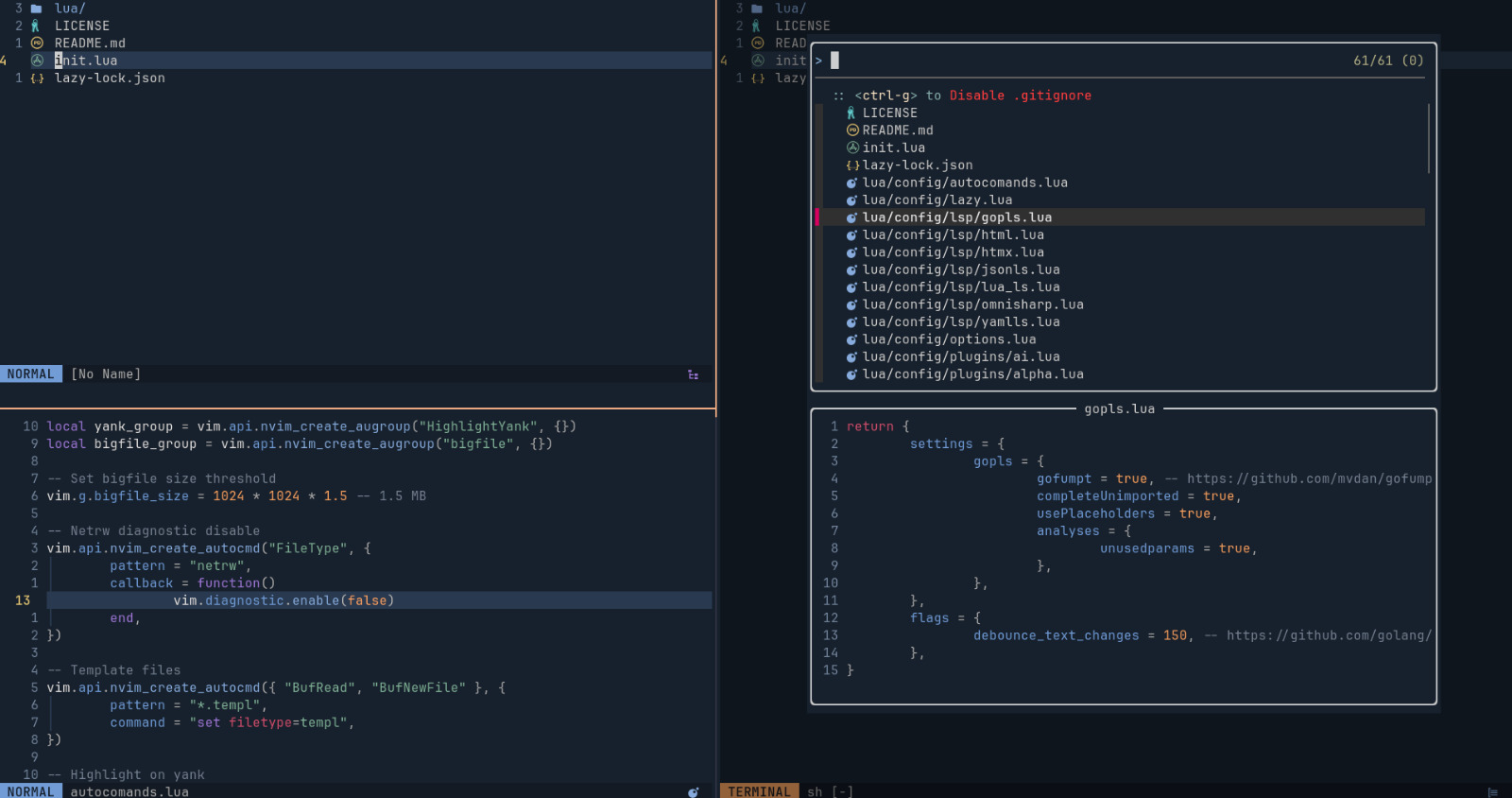
My Neovim Configuration
This is my personal Neovim setup, tailored for a fast and minimal development workflow.
Installation
Clone the repo:
git clone https://github.com/marianozunino/nvim.git ~/.config/nvimSet up Git hooks (optional but recommended): If you'd like to automatically format Lua files before committing, configure Git to use the custom
.githooksdirectory:git config core.hooksPath .githooksMake sure that
styluais installed via Mason::MasonInstall stylua
This configuration relies on stylua being installed by Mason at ~/.local/share/nvim/mason/bin/stylua.
Open Neovim:
nvim
License
This configuration is available under the MIT License.